
5 steps to building a new website
If you are brand new in business or just new to the world of online business there are a few thing that you need to know about before getting a new website. This is our brief guide to everything you need to think about when making a brand new website. If you already have a website that is just a bit dated or not doing it’s job then you should read our post on Replacing your existing website with one that works.
Step 1 – Choosing your domain name
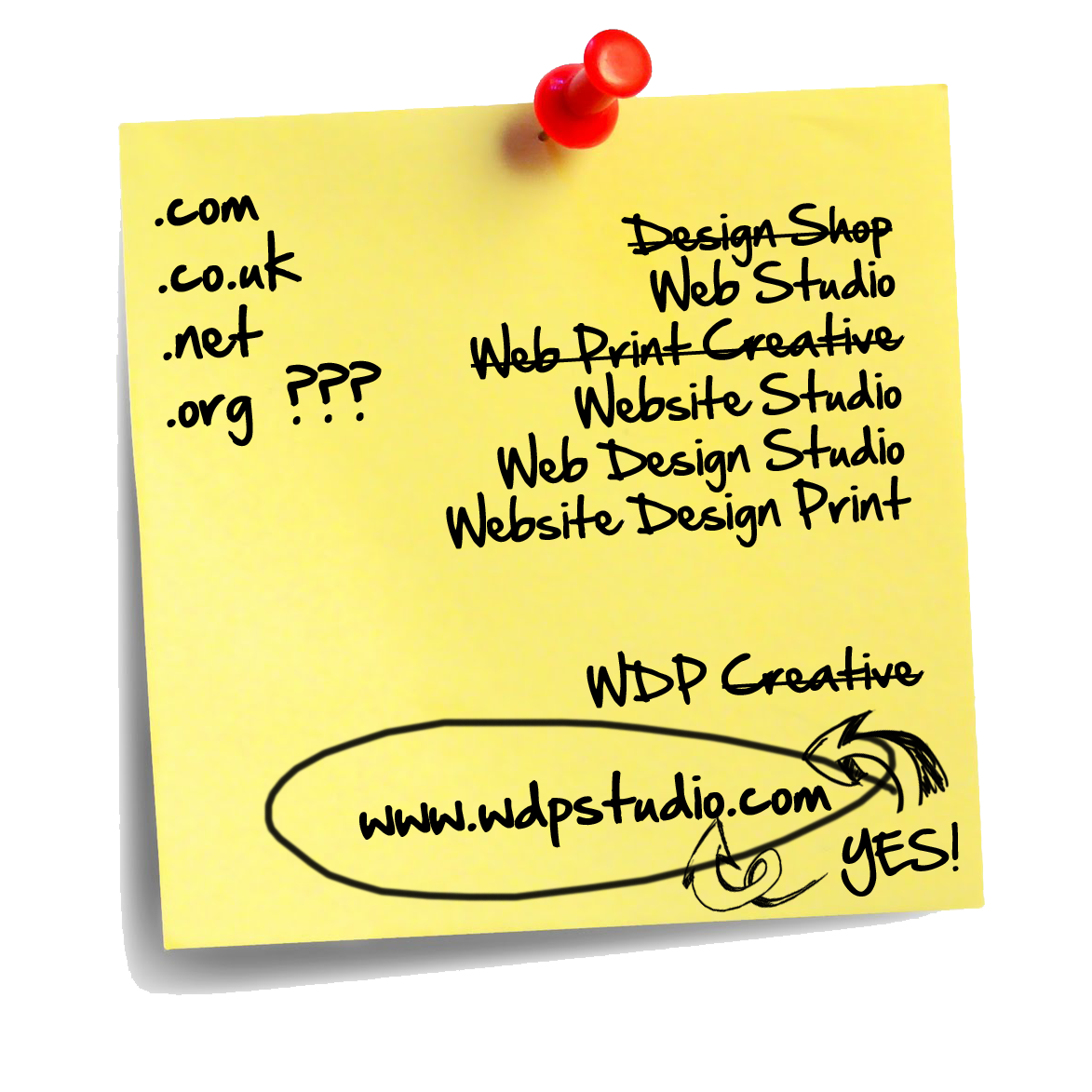 The first thing you need to do is choose and buy your domain name. The internet is essentially just a network of computers and computers use numbers to identify the location of files and other computers. These are commonly known as IP addresses but don’t worry you don’t need to know anything about these all you need to know is, people don’t work well with numbers so we use names and these are associated with IP addresses so the computers know where to look.
So the first thing you need to do is to decide what you want your domain name to be, examples are www.apple.com, www.ebay.com, www.thetimes.co.uk (by the way these ones are already taken). Your domain name can be a number of different things from your company name to your main product or service name but whatever you choose I would advise that you make it easy for a real person to remember. If you want to dive deep into the pros and cons of each type of domain name you can do so by reading how to choose the best domain name.
Once you have some ideas for a domain name you will need to find out if it is still available. There are loads of different domain registration companies out there but we usually use GoDaddy as they are always very competitive and we have always had great service from them in the past. So go ahead and click the link to GoDaddy now and enter the domain you want into the search box on their Home Page and then click search domain. Once you find the domain you want add it to the cart and read step 2 before you complete the purchase. Now you have control over where “the internet” looks when someone types in your domain name.
Step 2 – Where should you host your website
Ok the next decision to make is where your website will sit on the internet. You can think of this as the house in which your website lives and the domain name will point to the right house on the right street so people can find it when needed.
You have two choices here you can either have us host your website which is kind of like putting your website in rented accommodation. As the landlord we are responsible for the maintenance of the building which in this case means the computer hardware, software and security so you don’t need to worry about anything to do with the hosting and you will pay us an annual fee based on the size of your website.
Or if you want to save a little money and have more control over the hosting you can use another hosting provider (Note: You will need to make sure they can host WordPress and that a MySql database is included in the package). If you choose to host it yourself you will be responsible for the maintenance of the server and the security if any issues arise. That being said we have loads of customers who do prefer to host their sites themselves as it gives them more control. Most of our customers use either GoDaddy or BlueHost but there are loads of hosting providers out there so if you are thinking of using one of the others just make sure you find out if they can host WordPress first.
Step 3 – What sort of website do you need
Ok so now that you have secured a domain name and you know where you want your website to live it’s time to decide what sort of website you want. All of our websites are built using WordPress which means they can grow with you and we can develop anything from a simple Barebones WordPress setup to a fully bespoke e-commerce site with additional features like live chat and SMS sales alerts. We have developed a number of turn key website packages that suit 99.9% of businesses large and small however if you are in that 0.01% don’t be afraid to ask for exactly what you want.
Take a look at our website packages to see which will suit you the best and remember with a WordPress website you can keep adding to the site all the time (especially if you use the tutorials found in the WDP Vault).
[gdl_gallery title=”Web-Packages” width=”130″ height=”130″ galid=”6″ ]
Step 4 – Develop the content for your new website
Once you have decided on the website package that suits you and your business then you will need to start thinking about the content that will go onto that website. This includes the copy, images, videos, logos, branding and anything else that needs to be displayed on your website. This is one of the stages that can really slow down a website build so to avoid this you should plan ahead and however long you think it will take you to get the content together double it or even triple it to be sure.
Before you begin writing your copy you need to think about what you want the people who visit your website to do, what transformation do you want them to go through once they land on your website. Think about this for a second, if someone visits your website what do you want them to do? Sign up to your email list, download a product, purchase something or just pick up the phone and call you.
Now why should they do that?
Have you given them a reason to?
Unless you have a unique product or service there are literally thousands of websites on the internet talking about the same thing as you, so you need to figure out what is going to make them take action and develop your content to to achieve this.
[gdl_gallery title=”Social-Media-Icons” width=”80″ height=”80″ galid=”6″ ]
Step 5 – Tell everyone about your new website
Once you have sent the content to us we will schedule the production of your website (Don’t worry we are really fast) and get it built. You will then see the website live on a test site so you can see it working with all of your content in there before you give us the final sign off and send it live.
As soon as your site goes live we will submit it to the search engines so they can start the process of ranking your website in the search results however that takes time and depending on your industry lots of ongoing work on a regular basis so the best thing you can do is tell everyone about your new website and get some visitors there so you can find out how well your website works.
That’s it, your website is now launched and you can sit back and relax. Ok not quite but now you can start thinking about new things like how you can track how many visitors you are getting, where they are coming from and how you can get more.